Products
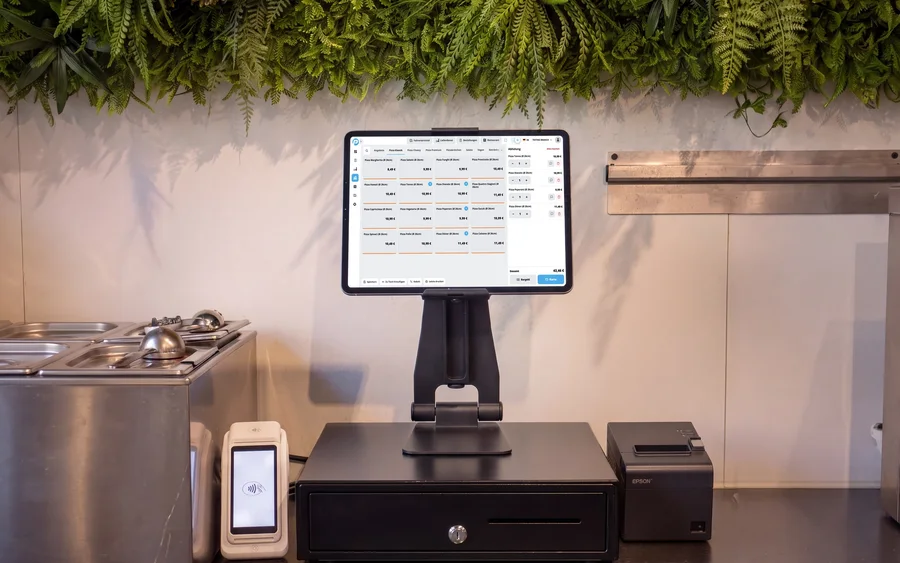 POS SystemOrder, receipt, payment – done in seconds.
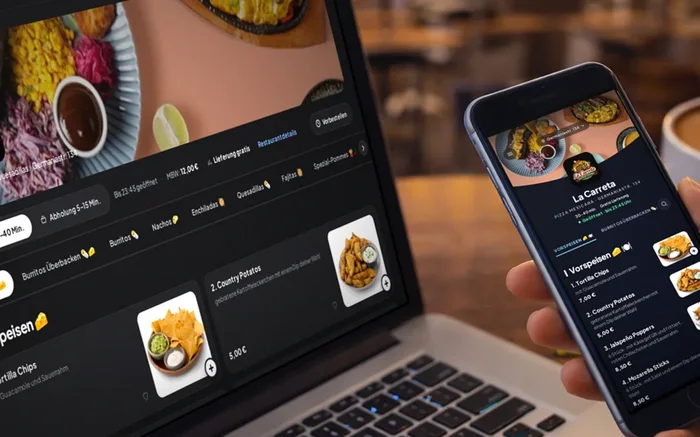 Webshop & App0 % COMMISSIONYour own orders through your shop and your app.
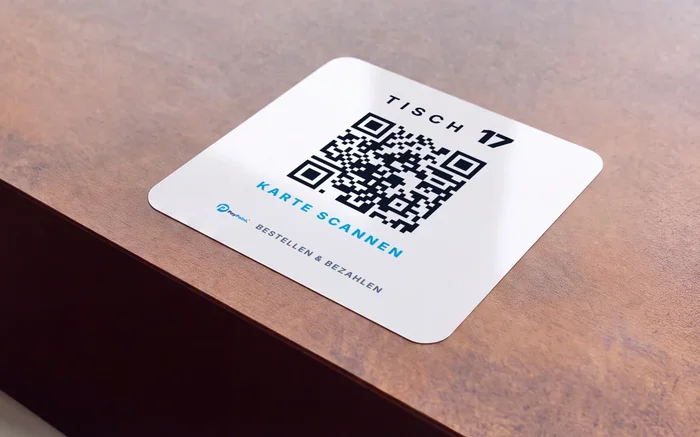 QR Code OrderingGuests order for themselves – right at the table.
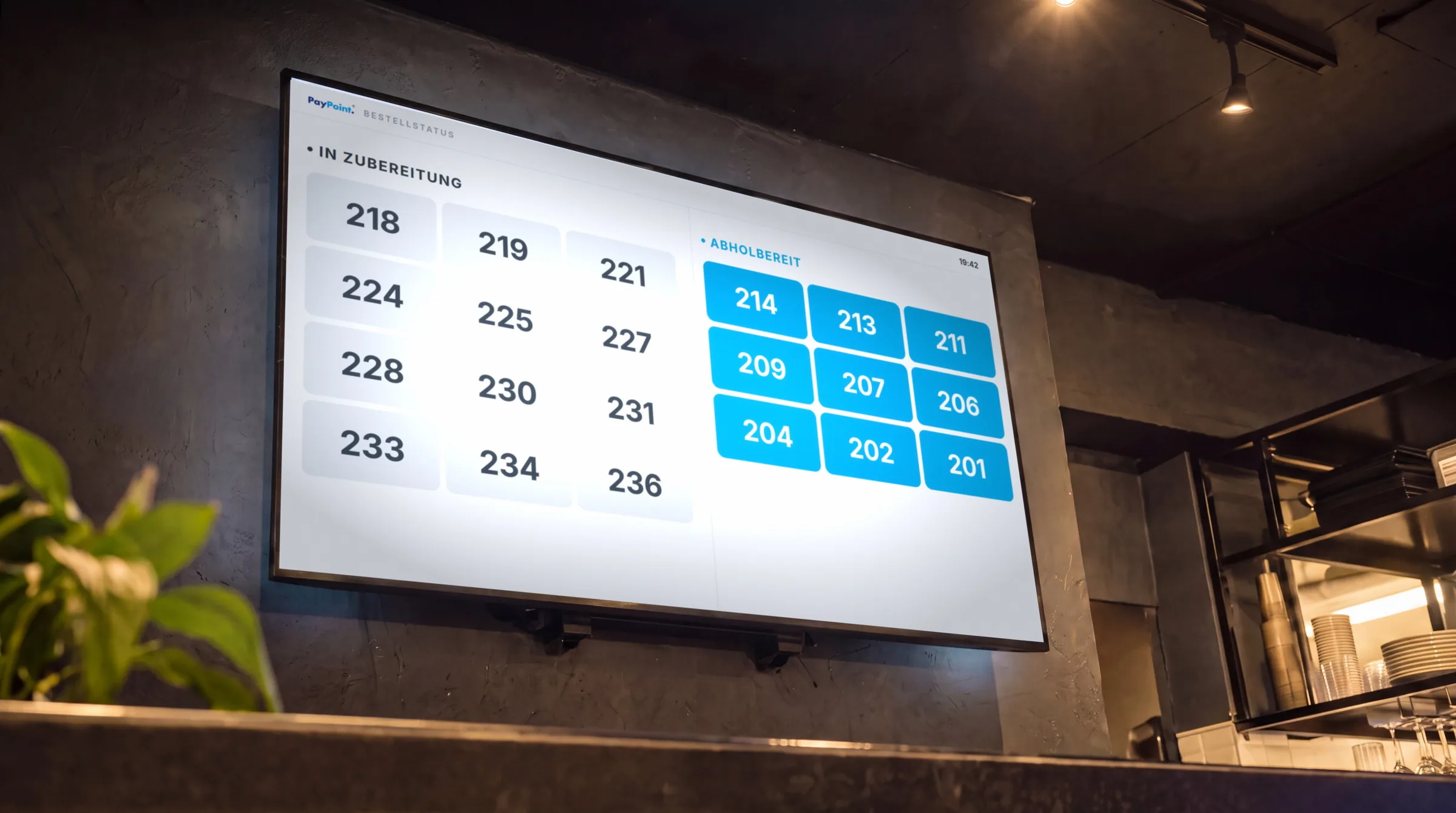
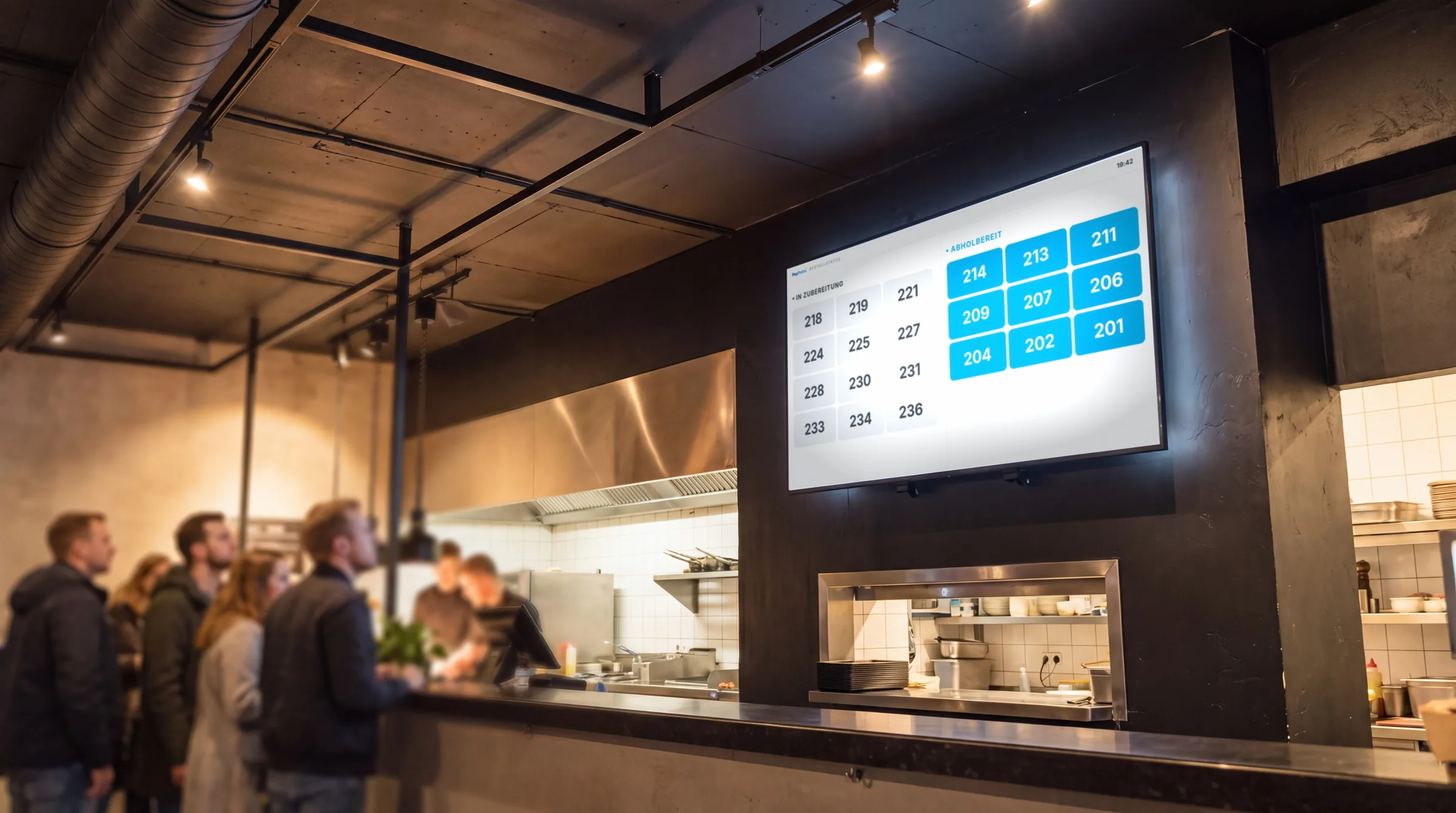
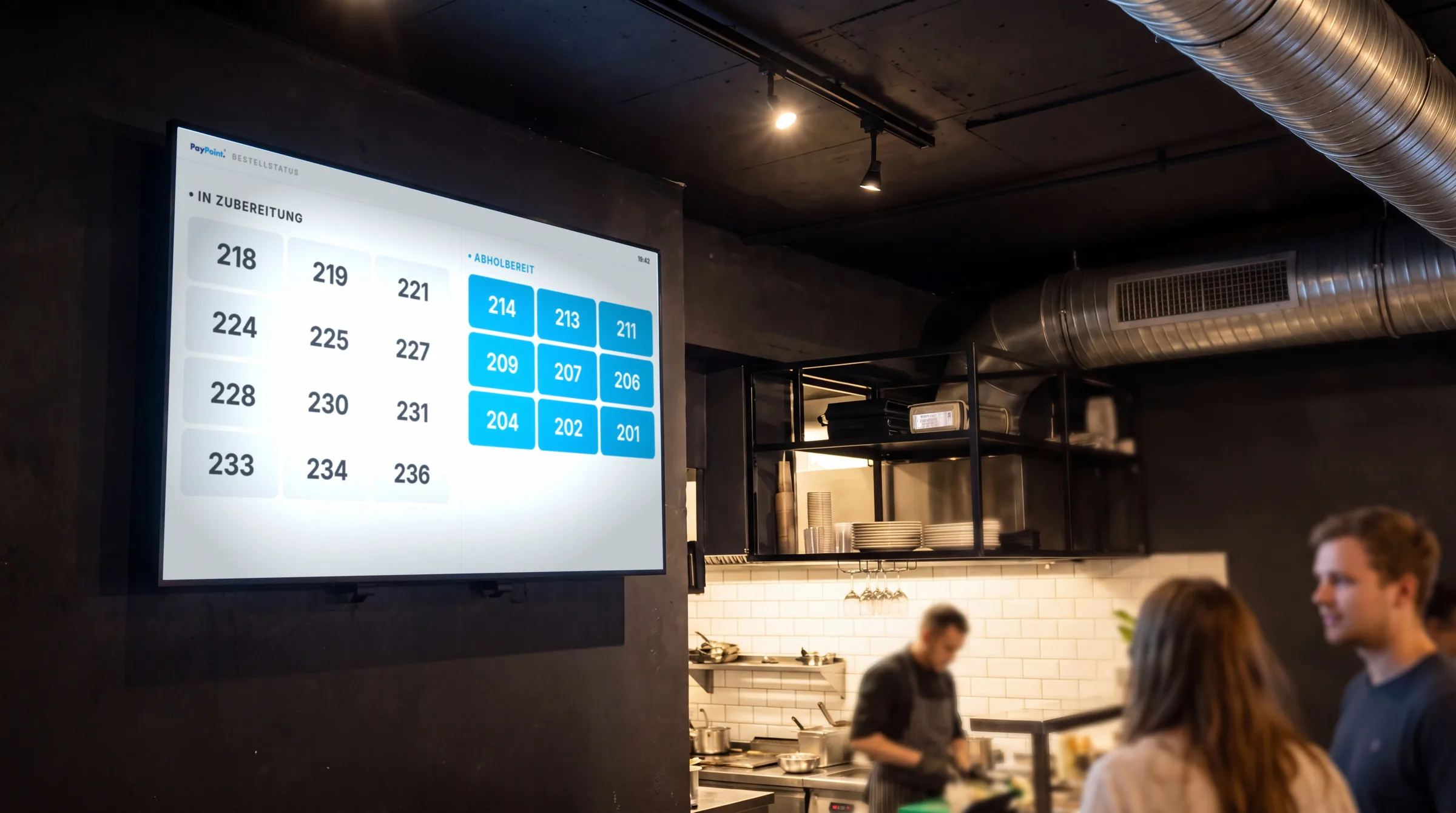
Status ScreenNEWEveryone sees when their number is up.
PagerBuzzes and lights up when the order is ready.
TV Menu BoardYour menu and promotions on the screen.
Driver TerminalRoutes, map and payments for your drivers.
PayPoint DriveYour own drivers, dispatched intelligently.
Restaurant ManagementTable plan, courses and split bills.
Add-ons





 POS SystemOrder, receipt, payment – done in seconds.
Webshop & App0 % COMMISSIONYour own orders through your shop and your app.
QR Code OrderingGuests order for themselves – right at the table.
POS SystemOrder, receipt, payment – done in seconds.
Webshop & App0 % COMMISSIONYour own orders through your shop and your app.
QR Code OrderingGuests order for themselves – right at the table.
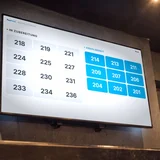 Status ScreenNEWEveryone sees when their number is up.
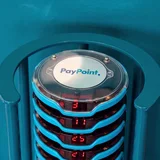 PagerBuzzes and lights up when the order is ready.
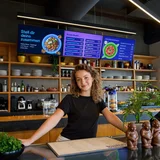 TV Menu BoardYour menu and promotions on the screen.
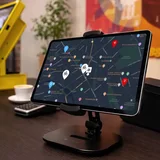 Driver TerminalRoutes, map and payments for your drivers.
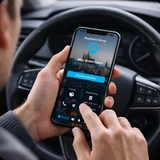 PayPoint DriveYour own drivers, dispatched intelligently.
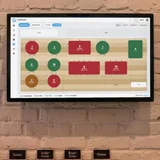 Restaurant ManagementTable plan, courses and split bills.
Pricing