Pricing
SALES030 7543 5236 Start for free

Never re-type
an order.

Lieferando, Uber Eats and Wolt go straight into your PayPoint POS. The order is accepted, the receipt prints in the kitchen, the driver gets the run. You do nothing.

Lieferando · Uber Eats · Wolt · straight into the POS

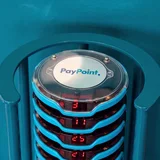
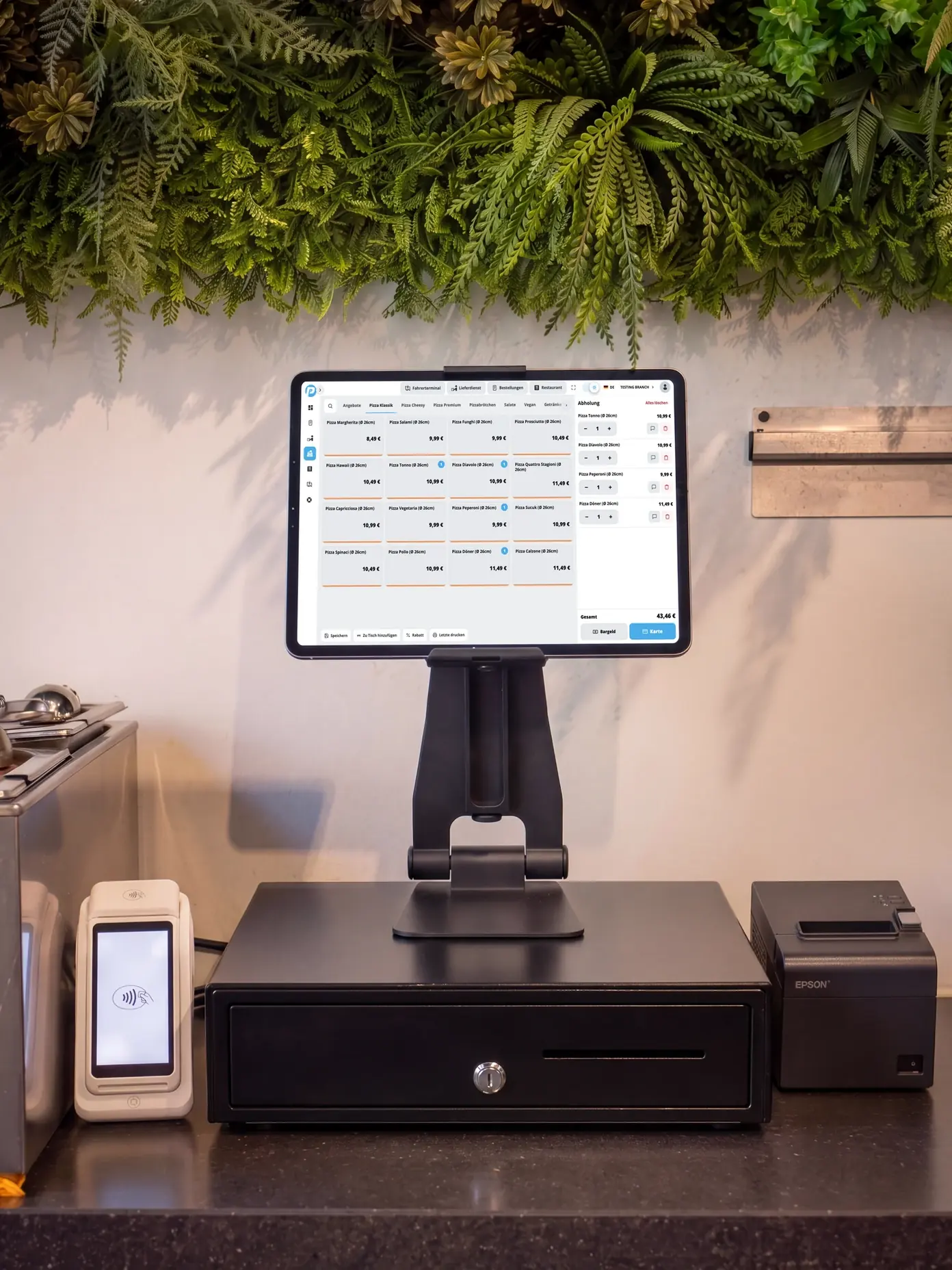
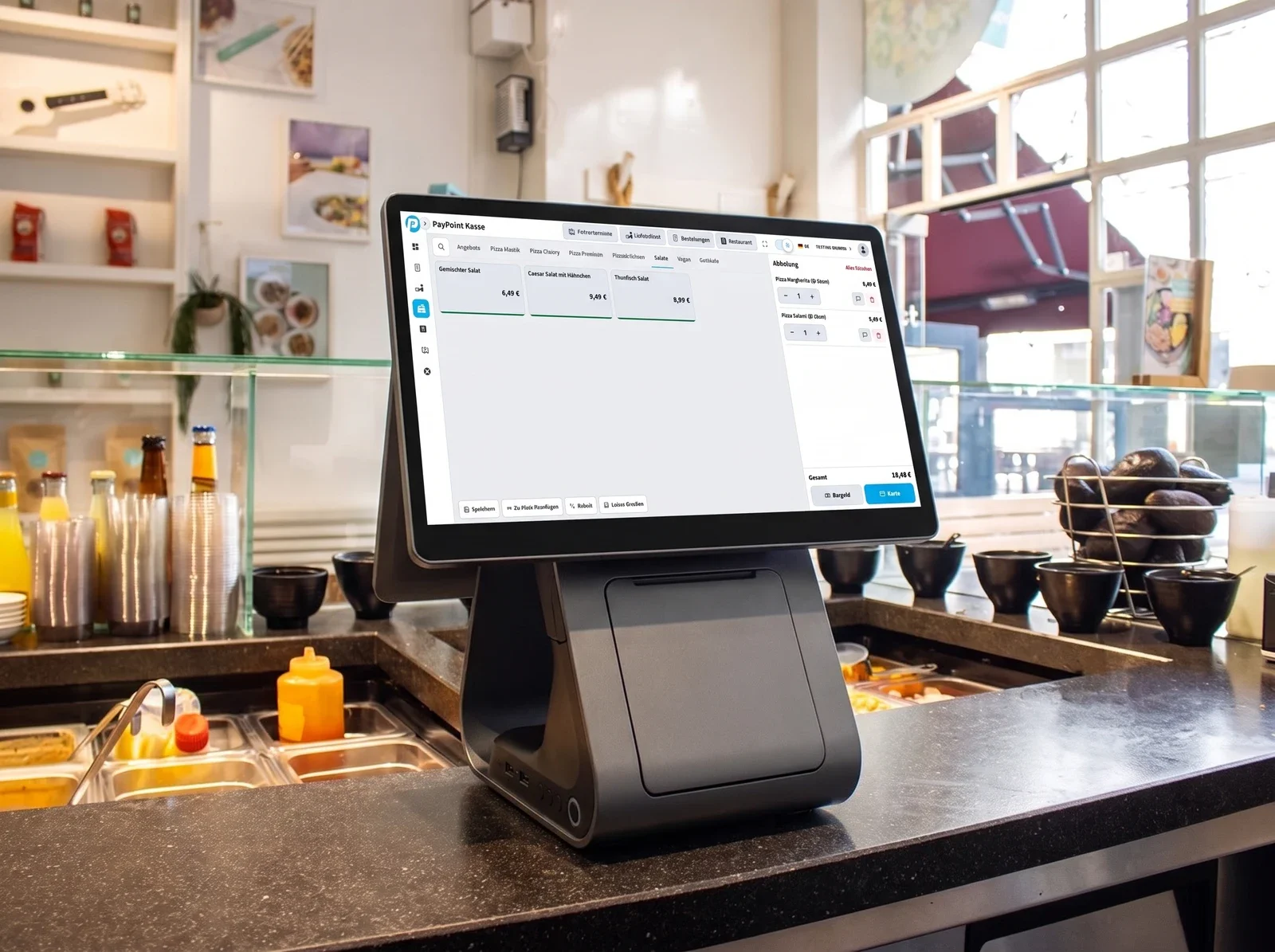
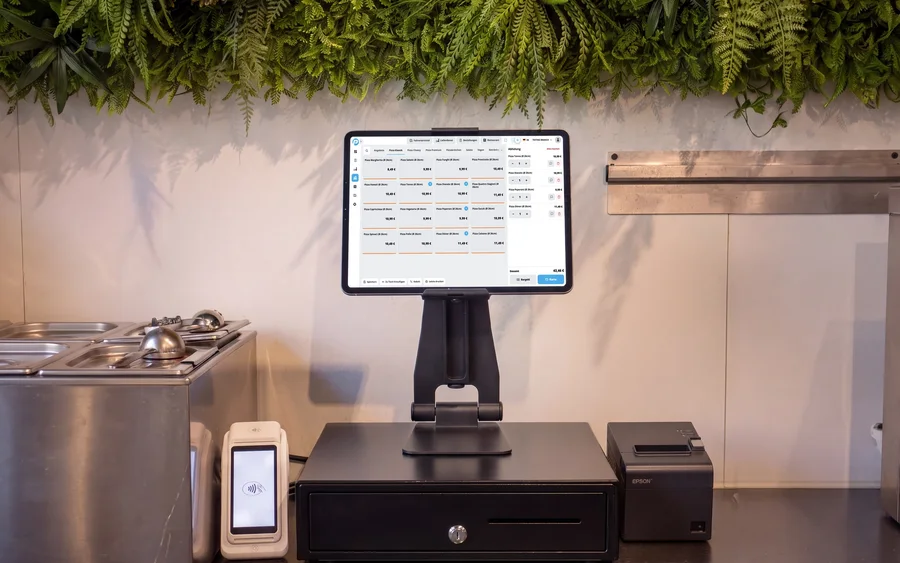
PayPoint POS on the counter – Lieferando, Uber Eats and Wolt all come together in one system Lieferando Uber Eats Wolt
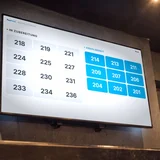
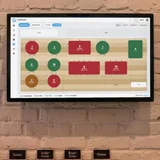
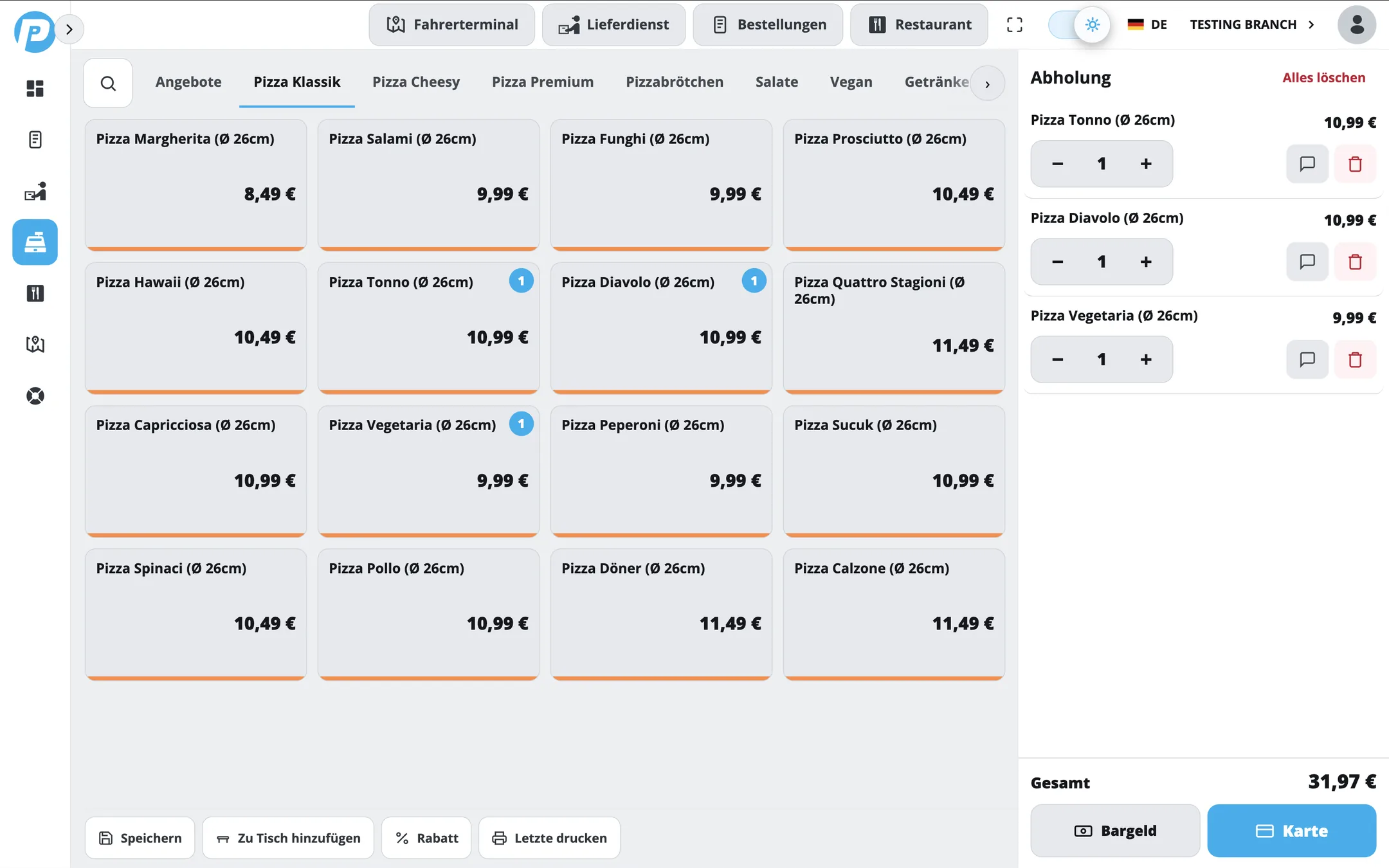
PayPoint order screen – every platform order appears in the POS straight away

What happens when an order comes in

1 Your guest orders as usualOn Lieferando, Uber Eats or Wolt. Nothing changes for them – they never notice there is a POS behind it now.
2 PayPoint accepts itAutomatically, in seconds. With modifiers, special requests, address and payment method – exactly as the guest entered them.
3 Kitchen and driver take overThe ticket comes out of the printer, the run lands on the driver terminal. Nobody typed a thing.

Steps until the order reaches the kitchen:

0

From the first beep to the printed ticket, PayPoint does all of it on its own. No typing, no copying across, no "has anyone seen the Uber order?".

Every platform, the same POS

Lieferando LieferandoGermany's biggest platform. Orders, changes and cancellations come in automatically – even when twenty land at once.
Uber Eats Uber EatsArrives with every special request and delivery detail. Whatever the guest ticked is on the receipt.
Wolt WoltRuns along just the same. One screen, one menu, one report for the whole business.
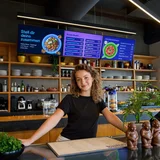
PayPoint POS at the counter – every platform order comes together in one system
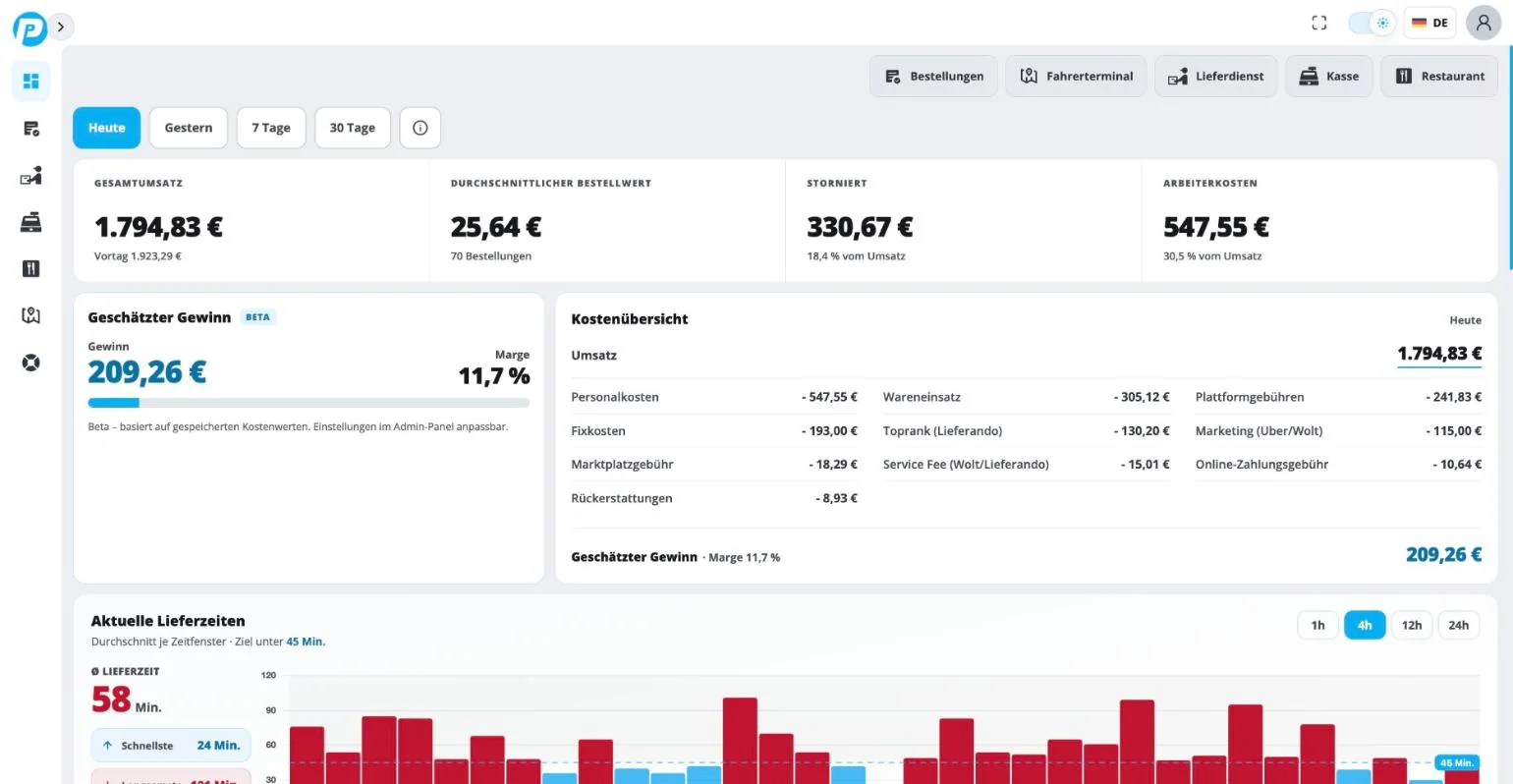
PayPoint Portal – revenue and platform fees from every delivery platform in one report

One figure at closing time, not three portals

Nobody fancies logging into three back offices just to find out what the day brought in. In PayPoint it is all on one page – including what the platforms keep.

  • Update the menu once – Lieferando, Uber Eats and Wolt follow
  • Revenue per platform side by side, not across three tabs
  • Commissions, cancellations and refunds in black and white
  • Every platform order booked in the POS, fiscal unit compliant

Your own drivers? Covered too.

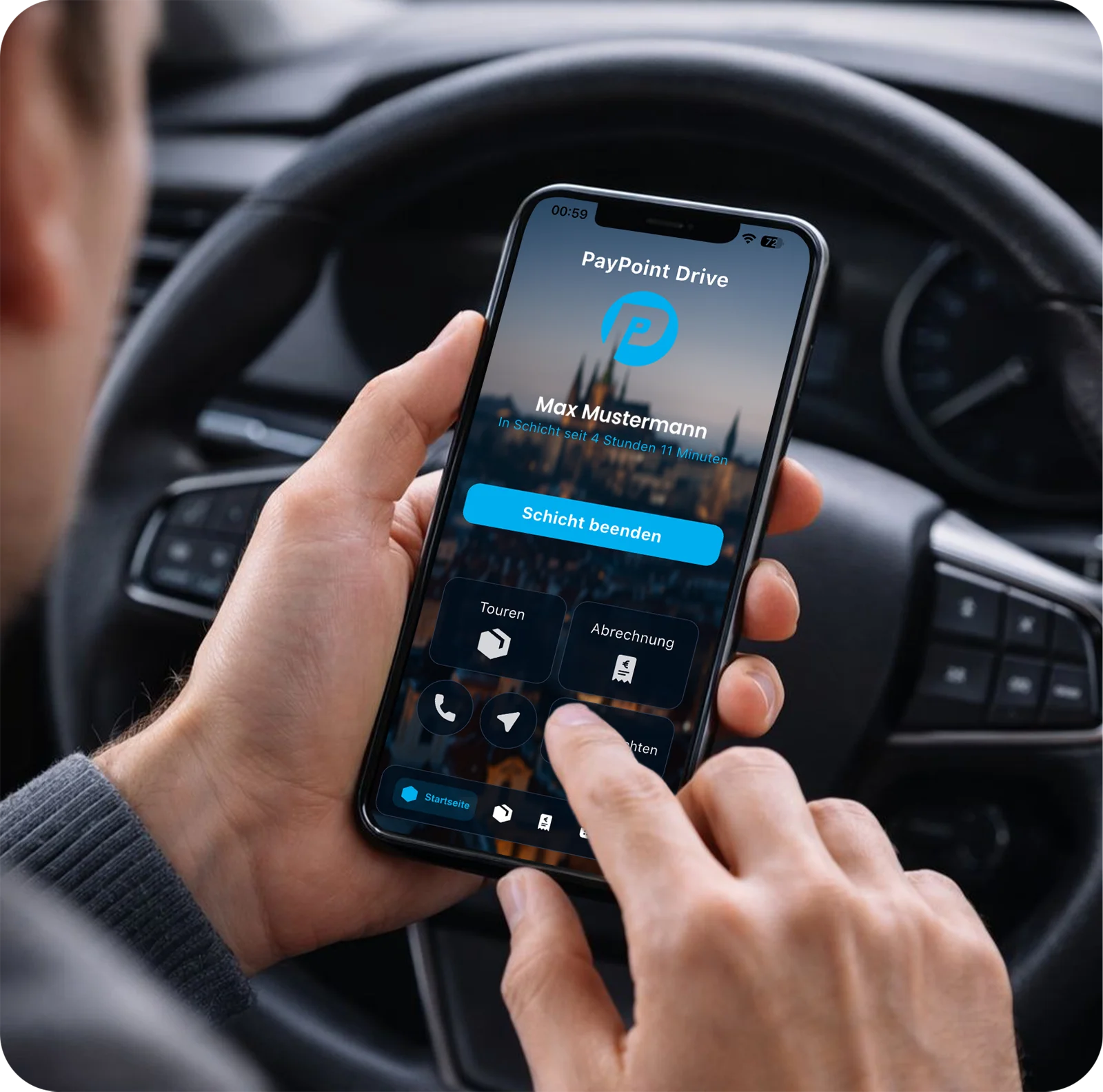
The driver terminal and the PayPoint Drive app are part of it. You can see who is out where, who is carrying what and when it reached the guest.

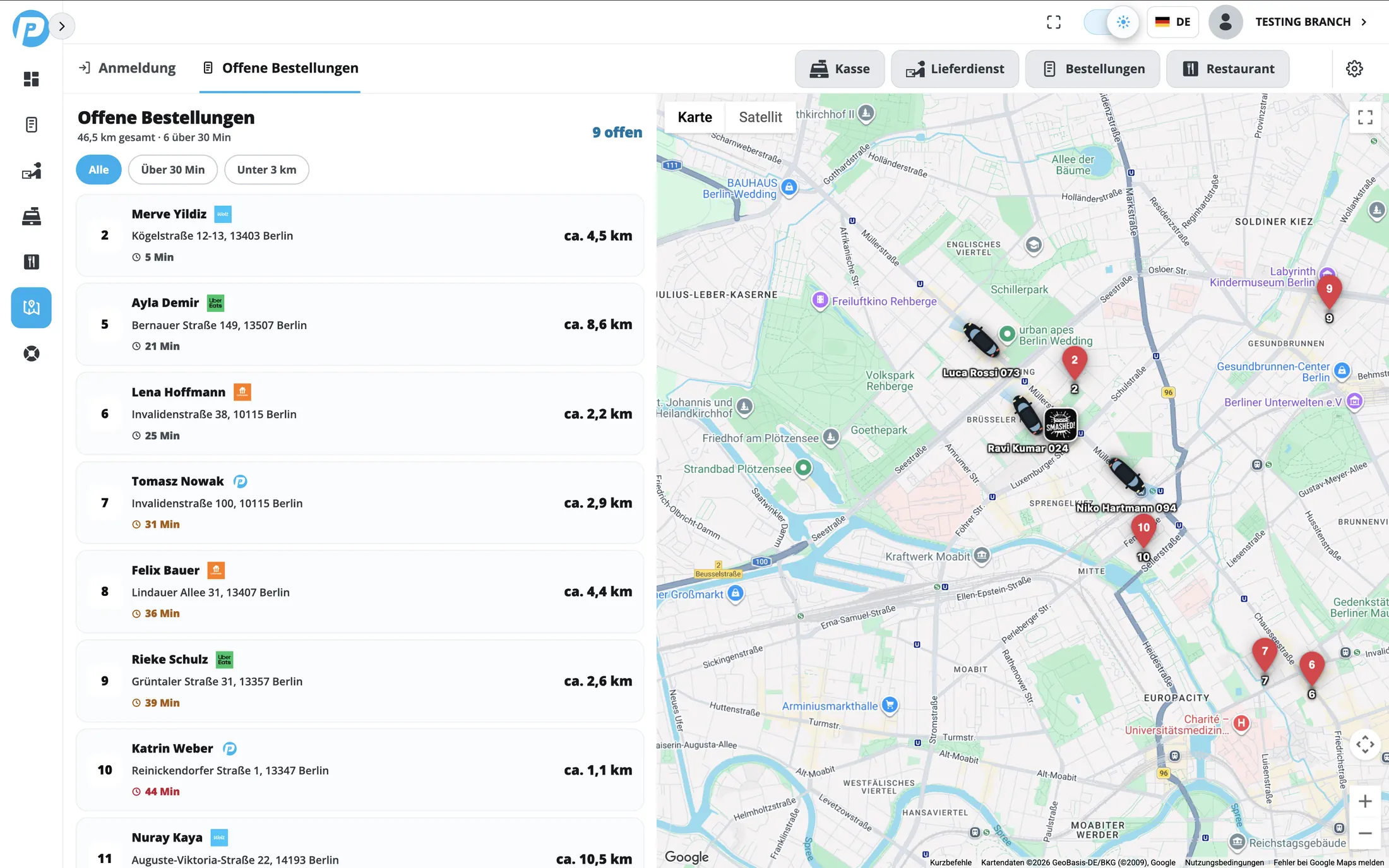
  • Every driver live on the map
  • A photo at handover – your proof when a platform docks your money
  • Times, kilometres and cash collected are recorded automatically
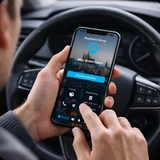
Driver using the PayPoint Drive app at the wheel – runs and deliveries on the phone
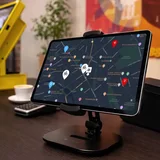
PayPoint driver terminal – open orders from Lieferando, Uber Eats and Wolt with drivers live on the map

You see straight away what has been waiting too long

Every open delivery in one list – with platform, address, distance and waiting time. Anything past its time turns red. So you step in before anyone complains.

  • A platform icon on every order – you know at a glance where it came from
  • Longest waiting time at the top
  • Combine runs instead of sending every driver out on their own

Frequently asked questions

Which platforms come in?

Lieferando, Uber Eats and Wolt are connected and ready to go. If you use another platform, tell us – we will take a look.

Can I put the platform tablets away?

Yes. Everything lands in PayPoint – one screen instead of three devices. Nothing gets typed in any more.

How does the ticket get to the kitchen?

By itself. PayPoint accepts the order and sends it straight to the printer in the kitchen or behind the bar – with modifiers and notes, without anyone touching it.

What happens with cancellations and changes?

They come through too. If the platform cancels, you see it on the order – and you can find it again with one click later if you want to dispute it.

Do I still have to update the menu three times?

No. You change a price or an item once in PayPoint and the platforms follow. After that the revenue from every platform sits in one report.

And if I have my own drivers?

That is what the driver terminal and the PayPoint Drive app are for: assign runs, see drivers live on the map, prove delivery with a photo and settle up cleanly at the end of the shift.

How long does setting it up take?

We do it for you: unlock access with the platform, match up the menu, run a test order together – after that you are live. All you have to do is say the word.

Straight to your inbox

Send us your email – we will get in touch and take a look at your place.

Free inquiry One screen instead of three tablets 24/7 support

The tablet can go.

Lieferando, Uber Eats and Wolt – from now on straight into your POS.

Get started